
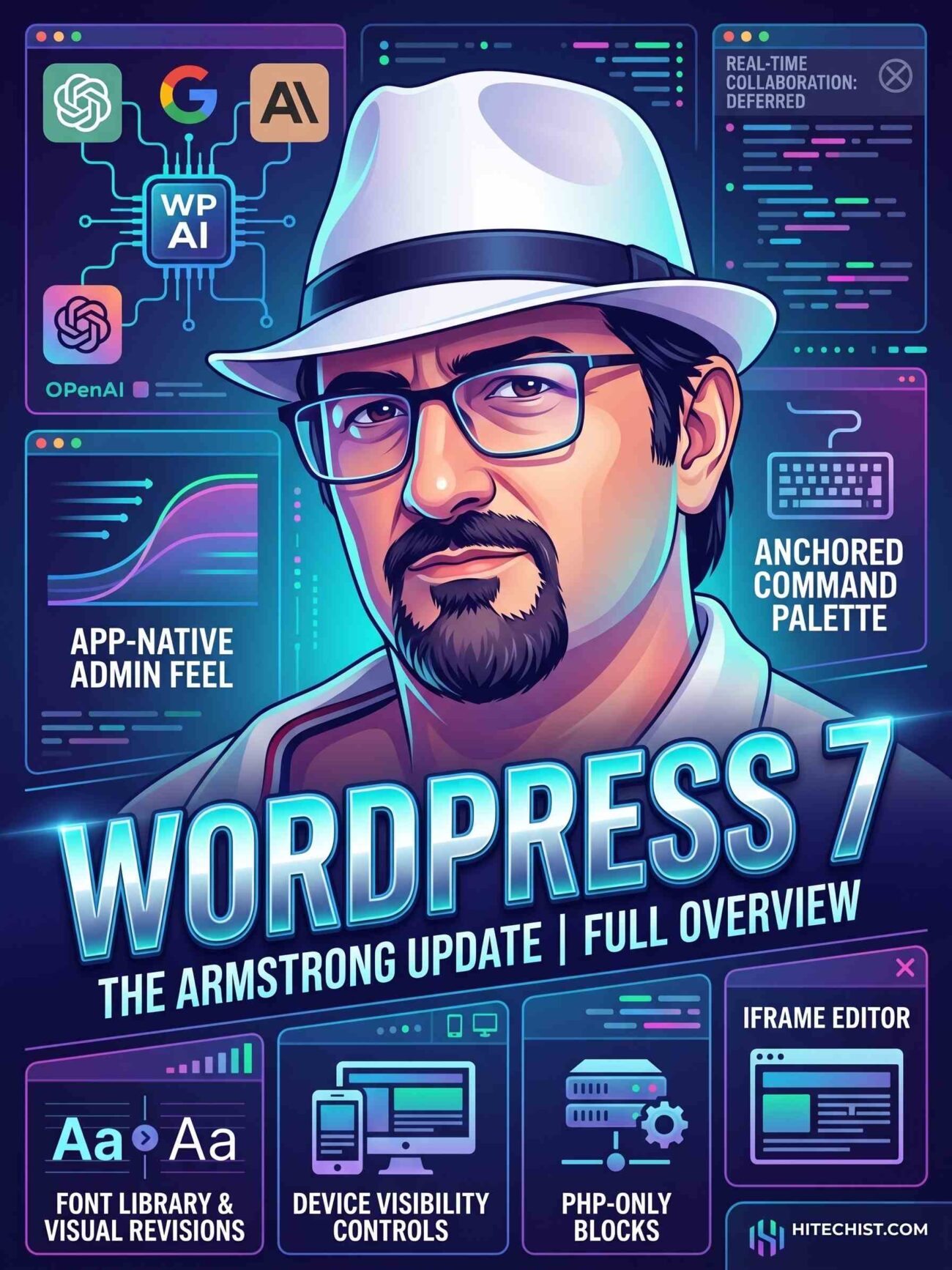
WordPress 7.0 has officially landed, and it is a massive architectural leap forward. Codenamed “Armstrong,” this update isn’t just about tweaking the UI or adding new blocks. It is about laying the fundamental groundwork for the next decade of web publishing, starting with artificial intelligence and a completely revamped admin experience.
If you haven’t spun it up in a staging environment or the WordPress Playground yet, here is everything you need to know about what WP 7.0 brings to the table.
The biggest addition to WordPress 7.0 is actually happening behind the scenes. Instead of every individual theme and plugin developer building their own clunky interfaces for API keys, WordPress has introduced a native AI Connector Screen.
- Centralized API Management: You can now input your OpenAI, Google, or Anthropic API keys directly into core settings.
- Standardized Plumbing: This provides a single, secure gateway for all your installed plugins and themes to access AI models.
- Cleaner UI: No more bloat from dozens of plugins begging for your API keys on every admin page.
This is a clear signal: WordPress isn’t just reacting to the AI wave; it’s building the infrastructure to let the open-source community safely innovate on top of it.
If you’ve felt that the WordPress backend has felt a bit sluggish and dated over the years, 7.0 delivers a much-needed breath of fresh air.
The dashboard is moving away from jarring, full-page PHP reloads. Thanks to a shift toward JavaScript and React-based data views, clicking through the admin area now features smooth ease-in and ease-out transitions. It feels incredibly fast, behaving much more like a modern, native application than a traditional CMS.
The Command Palette (Cmd+K on Mac / Ctrl+K on PC) has been permanently anchored to the top-left toolbar. While it currently looks like a humble, empty input field, it sets the stage for a powerful new way to interact with WordPress.
Expect this to rapidly evolve. In the near future, this won’t just be for searching pages; it will be your command-line interface for executing WP-CLI queries, talking to admin chatbots, and navigating the backend entirely via keyboard.
Quality-of-Life Upgrades for Creators & Devs
WordPress 7.0 also ships with several highly requested features that will make designing and developing much less frustrating.
| Feature | What’s New | Why It Matters |
| Iframe Editor | The block editor is now fully isolated within an iframe. | Admin styles will no longer bleed into your editor, meaning what you see is actually what you get. |
| Device Visibility Controls | Native toggles to hide/show blocks on desktop, tablet, or mobile. | You no longer need third-party plugins just to hide a bulky image on a mobile screen. |
| PHP-Only Blocks | Developers can now build server-side rendered blocks strictly using PHP. | Backend devs can skip the React/JavaScript learning curve for simple dynamic blocks. |
| Visual Revisions | Revisions are now fully visual within the editor. | You can easily spot layout and design changes instead of just looking at raw text differences. |
If you were hoping to co-author posts Google Docs-style, you’ll have to wait a little longer. Real-time collaboration was officially cut from the 7.0 roadmap to allow the core team to focus on performance and squash lingering bugs. It’s a bummer, but a smart move to ensure stability for this major release.
